If you have two kids (or more) and their “stuff” is in random boxes everywhere, you are not disorganized—you are normal. School sends home certificates, sports hands out another slip, class photos arrive in envelopes, and art multiplies faster than snack cups. Wanting everything in one place is a good instinct; the trick is deciding what “one place” means so it still fits in your actual house.
This guide walks through what works on the counter and in the closet first—offline, human, a little ruthless—then how photos, scans, and TimeFotos Cloud can back you up if you want a calmer digital layer too.
The honest part: you cannot keep it all
You can love every scribble and still not have wall space for all of it. A lot of parents eventually realize they are keeping things for themselves as much as for the kids—and that grown kids often do not want a garage full of bins later. That is not cold; it is permission to choose.
A simple rule many families use: one capped container per child for long-term paper and flat art—think a banker-style box or a sturdy bin with a clip lid—and do not let the pile exceed the box. When it gets full, you sort together: what still feels important now? What can become a photo and leave? You can do another pass in a couple of years; tastes change, and that is fine.
Be a little ruthless today, winnow again later. Keep what speaks to you in this season. The goal is not a museum—it is not losing the pieces you would actually miss.
“One place” does not mean one giant mixed tub
One place can mean one system per child, not one mystery box for the whole family.
A setup that works in real homes:
- A clip-lid plastic tub per kid for bulk: rolled art, odd shapes, seasonal projects you are not ready to sort yet.
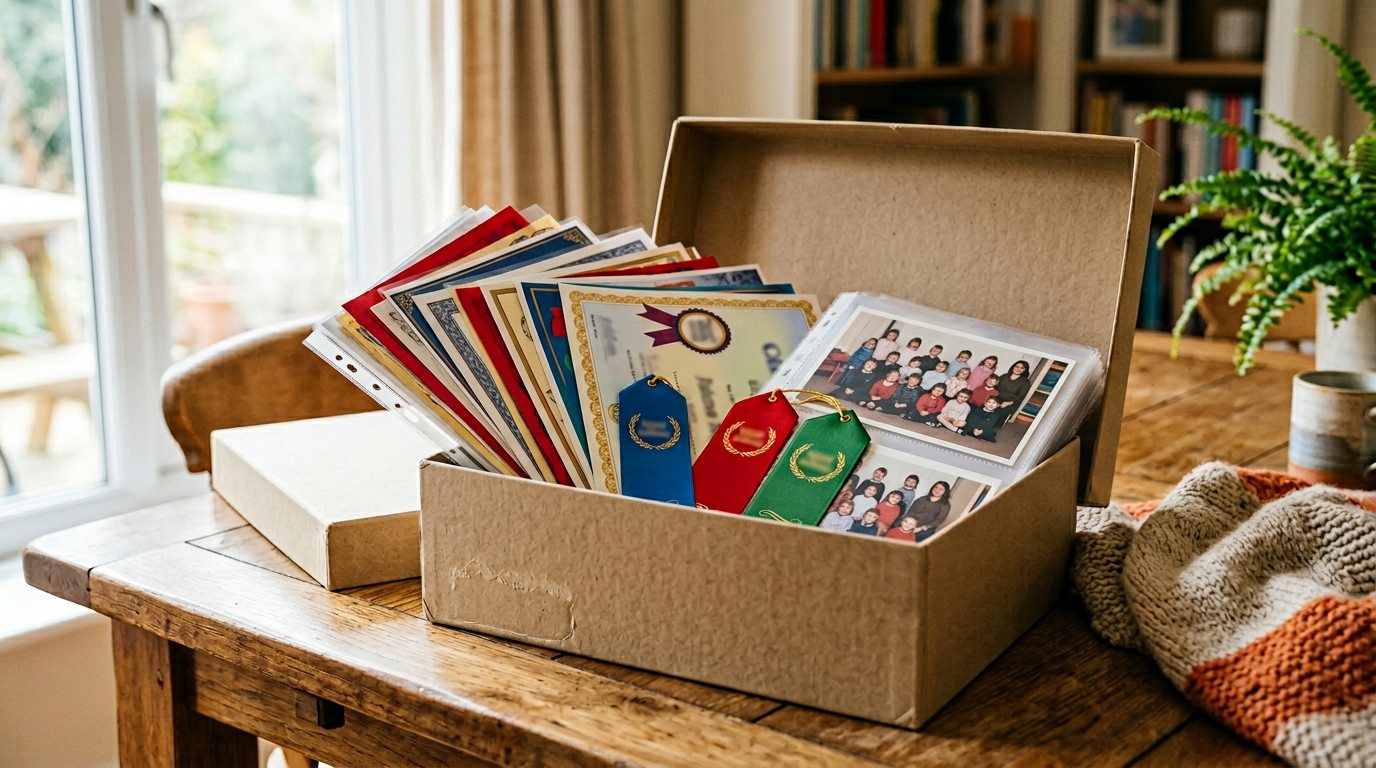
- A clear pocket display book (the kind with fixed plastic sleeves) for flat certificates, class photos, and a few smaller pieces they really poured themselves into—things you want to flip through on the couch without creasing them.
- A three-ring binder if you prefer dividers by school year and room to move pages around.
Label the outside with first name plus “school / art” so a babysitter or grandparent can put things away without a tour. If you only do one upgrade this month, make it obvious labels on whatever you already own.
Certificates and class photos: keep them flat and findable
Certificates hate being folded in a backpack forever. Sheet protectors inside a binder keep smudges and juice boxes from winning. Use dividers (“2025–2026,” “soccer,” “music”) if that matches how your brain searches later.
Class photos often live in envelopes until they do not. Slip them into the same book or binder as certificates for that year so you are not hunting three drawers when someone needs a picture for a form.
For a few standouts, a simple frame on a hallway or bedroom wall is a valid system—not everything has to hide in a box. Rotate frames once a year if you like; the previous year’s hero can move into the sleeve book.
The artwork tsunami: what to do when there is so much
Art is the loudest clutter because it is big and emotional. A few approaches that mix well:
The “best of” shelf or wall. Pick one or two favorites per term (or “best weird robot,” “best portrait of the dog”) and give them a real spot. Photograph the rest on the kitchen table in good light before it leaves the house—you keep the memory, not every physical sheet.
A rolling gallery. Some families tape a row of clips or a wire across one wall and swap pieces monthly. When something comes down, it either goes in the tub, in the book, or out after a photo.
When kids are older, ask them. Younger kids will say yes to everything; older ones can tell you what embarrassed them or what they are proud of. Until then, you are the editor—and that is okay.
Annual “year book” without turning it into a huge project. Some parents make one softcover photo book a year that mixes snapshots of art, a few certificate photos, random cards or ticket stubs, and everyday pictures—then let go of more of the bulky originals. You can do that with any print-on-demand tool you already like; the point is one bounded object per year instead of infinite stacks.
Scanning: when paper is really about “I might need proof later”
A flatbed scanner or a scan-from-your-phone habit (straight-on, good light, no shadow) can live alongside the binder. Make one folder per child on the computer or drive you already use—school, sports, art—and drop scans in the same week if you can. Trophies and clay dinosaurs still need a shelf; scanning will not replace those, but it does preserve flat stuff when you are tired of filing cabinets.
If you go digital even partway, name files in a boring, future-proof way: 2026-05-Anna-honor-roll.jpg beats a thousand camera-roll duplicates.
The fridge, the backpack, and the end-of-season sweep
The fridge is a fine temporary gallery. When something rotates off, it should land in the tub, book, or binder within a few days—not the “I will deal with this later” chair. Anchors help: last day of soccer, school winter break, the Sunday after picture day.
Anything precious in a backpack should be in a sleeve before it rides to school for show-and-tell.
Two households, one less chaos
If kids split time between homes, agree on one “official” long-term book or box at the primary house and a lighter duplicate habit at the other—photos of new awards, or a slim folder that travels. That cuts down on duplicate bins and “which house had the certificate?” panic.
Where TimeFotos Cloud fits (optional, when you want one calm digital home)
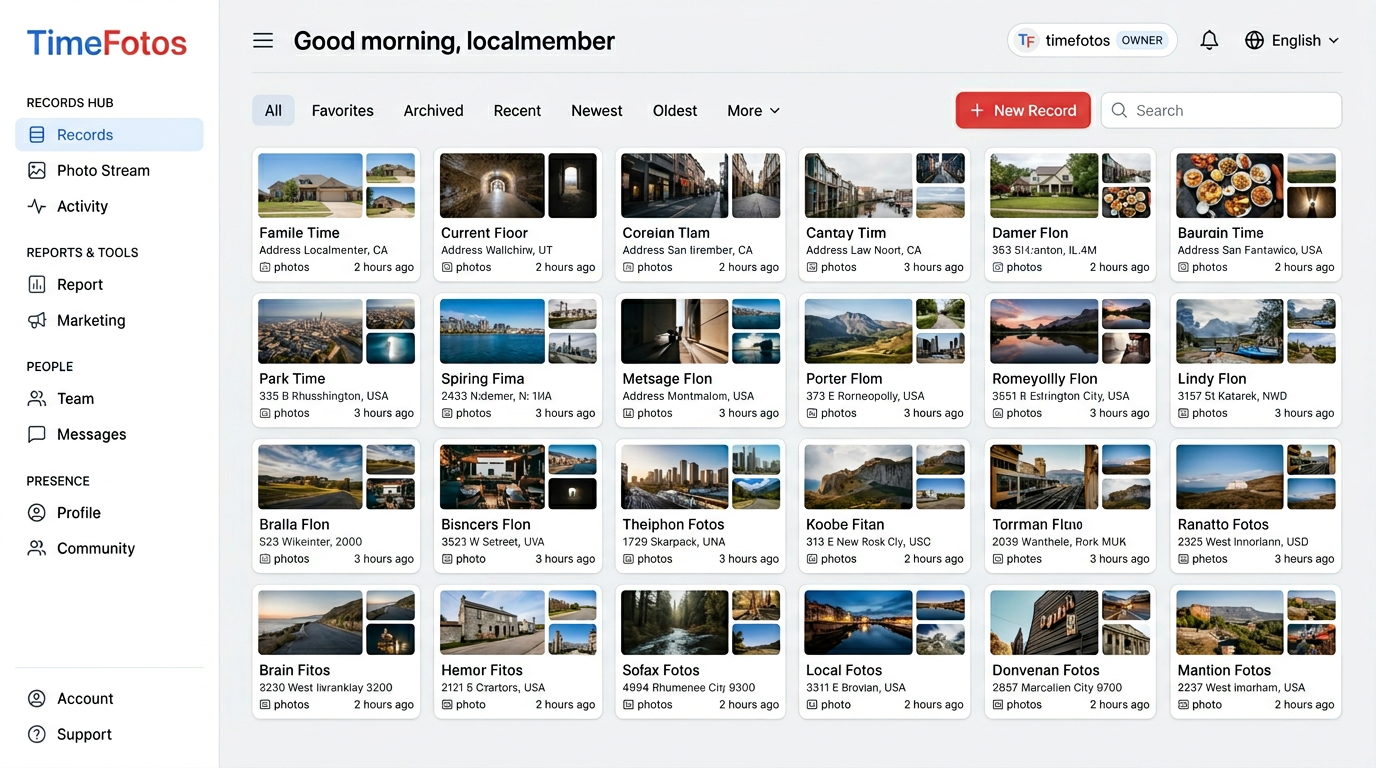
Binders and tubs solve the physical side. TimeFotos Cloud is for when you also want photos and context in one workspace: an album or record per child, labels so “May regionals” still makes sense in five years, and captures that are not only on the phone that might get dropped in a pool.
It is useful when you want to send one link (“here are Ava’s awards and class-trip photos”) without exporting your whole camera roll, or when both parents share an account and want the same thread of what happened when. It pairs with your offline system—you can still hug the binder—Cloud is the backup and the story layer, not a replacement for being kind to yourself about how much you keep.
Peek at TimeFotos Cloud when you are curious.
A weekend shape that does not require superpowers
Saturday morning: one big surface, two labeled piles (kid one / kid two), recycling nearby. Toss obvious trash and duplicates. Sleeve certificates and photos going into the long-term book. Snap photos of oversized art and anything you are releasing.
Saturday afternoon: tighten the one-box-per-kid rule—if something does not fit, something else has to graduate to a photo or leave. Label spines and lids.
Sunday: ten minutes to upload or file any scans or favorite phone shots somewhere you will actually open again—binder, folders, or your TimeFotos workspace.
You will not finish childhood in a weekend. You will stop the random-box spiral and give certificates, photos, and art a named home—which is what “everything in one place” was asking for all along.