If you have ever typed “timestamp photo app” into a search bar, you were probably in one of two moods: calm curiosity (“there has to be a cleaner way”) or quiet panic (“I need this picture to hold up when someone asks when was this taken?”).
Either way, you are not chasing a buzzword. You want context on the image itself—date, time, sometimes place—so the file still tells the truth when it leaves your phone, gets printed, or lands in someone else’s inbox.
This guide stays brand-neutral on purpose—no laundry list of other companies—then shows where TimeFotos and TimeFotos Cloud fit if you want camera-first capture plus optional community and job-ready organization.
The split nobody explains clearly: stamp vs “hidden” data
Most phones already record when a photo was taken. That information often lives in metadata (sometimes called EXIF). That is useful for sorting albums and for some workflows.
A timestamp photo app in the everyday sense is different: it puts readable text (and often a map pin or address line) on the pixels—a watermark or overlay you can see at a glance.
That matters when:
- Someone else opens the file on a device that does not show your metadata the same way yours does.
- You need proof, not just a sortable timestamp in a database only you can see.
- You print, text, or export and you still want the story visible without opening a properties panel.
If your goal is only “sort my roll by date,” you might not need a specialty tool. If your goal is “this image carries its own caption,” you do.
Photo vs video (and why video searches get noisy)
Plenty of people start with photos and discover they also need video—same job site, same rental checkout, same “before we closed the wall” moment.
Video is harder: longer files, more compression tradeoffs, and more ways for overlays to get in the way of framing. If both matter to you, favor tools that treat photo and video as first-class in the same habits, not as two different apps you will forget to open.
What people usually mean when they add “free,” “iPhone,” or “Android”
Search boxes love to tack on platform words. In real life, crews and families are often mixed-device.
A practical filter: pick something that works on the phones you already carry, with exports you understand (copy to gallery, save a new file, or share a link—whatever matches how you actually hand work off).
If an offer sounds too good to read the details, skim for compression, ads, and what happens to location data. You do not need paranoia—just one honest pass through the settings before you standardize a whole team on it.
A short checklist before you commit to any timestamp photo app
Does it stamp at capture, after capture, or both? Capture-time stamping is hardest to argue with later. Post-edit stamping can still be honest—just know which story you are telling.
Can you control format and placement? Date-only vs date-and-time, 12h vs 24h, address precision vs neighborhood-level—small choices prevent ugly overlays that cover the one label you needed in frame.
Location: on by default or opt-in? Good tools let you turn GPS stamping off for kids’ birthday parties and on for work proof.
Original vs stamped copy. Some workflows keep an untouched original and a stamped export. Know what you are saving so you are not surprised when you need a clean file later.
Sharing and findability. If the photo is for you, a stamp might be enough. If it is for a client, a PM, or a family thread, you still need a boring place those files land—otherwise you are back to “I know I took it” with extra typography.
Work proof vs everyday life (same camera, different stakes)
For field documentation, timestamps are often about callbacks, inspections, and handoffs—the same wall twice, the trench before backfill, the serial plate you cannot re-stage next week. If that is your world, our jobsite photo app article goes deeper on crew habits without turning your Monday into a software debate.
For travel, rentals, insurance-style documentation, the need is similar: a calm image that explains itself when emotions are high and memory is short.
For families, you might only want a stamp sometimes—proof when it matters, clean frames when it does not.
Where TimeFotos fits (tool first, context second)
TimeFotos starts as a camera-first flow: time, date, and location when you want them, with filters that skew vintage or work-ready, depending on the day.
From there, you can lean into local discovery—posting in a city-based feed so nearby people can see real work and real moments, not just another private pile of files nobody opens.
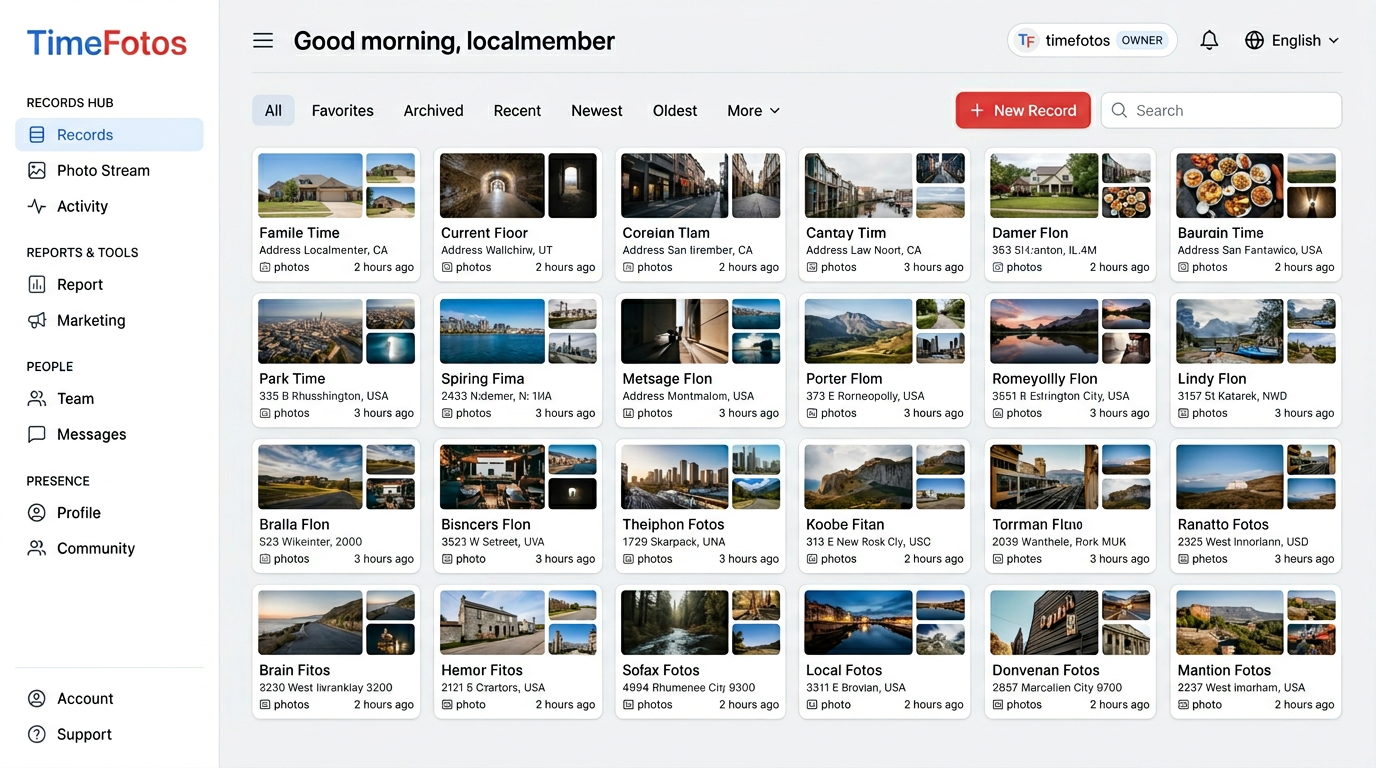
When you outgrow “I will remember which job folder that was,” TimeFotos Cloud adds albums, records, labels, and stamped capture in a workspace built for teams and households that need the same thread of truth—not five versions in five pockets.
If you want the product-shaped overview first, start at our timestamp photo app page. When you are ready for the paid layer, TimeFotos Cloud walks through what Cloud adds on top of the free community.
A sixty-second decision you can make right now
Answer one question on paper:
Do I need the time and place visible on the image, or only in the file’s details?
If the answer is visible, you are in the right search category—pick a tool that matches photo vs video, platform, and how you share. If the answer is details only, your built-in gallery might already be enough, and you can spend your energy on folder habits instead.
Either way, you are allowed to want photos that make sense to future you—not just to the version of you who remembers which parking lot that was.